
See Swarm in action.
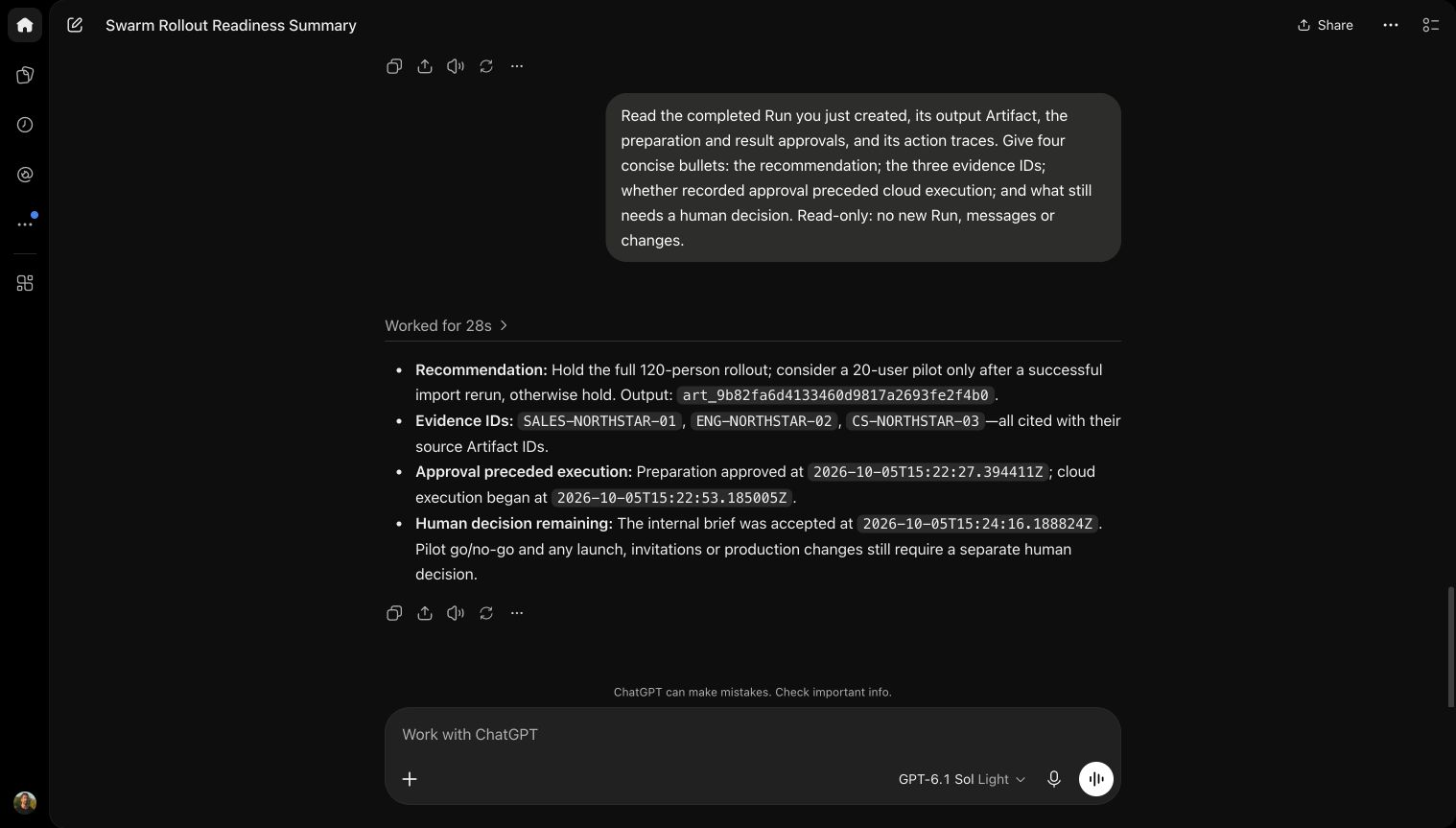
Three team briefs. One rollout decision. Watch ChatGPT and a Swarm cloud agent work in the same Space, with a person approving the next step.
Recorded in Swarm and ChatGPT via MCP. Fictional team documents; waits shortened.
Keep your tools.
Connect your context.
Connect your agents and applications to the Spaces you choose.
One prompt. Your preferred agent.
Use this prompt in a compatible agent that can call the API and keep credentials outside the conversation. Otherwise, use a supported MCP connection or Swarm Connect.
Connect to Swarm using https://swarm.services/guide/connect/agent.md. Reuse my existing connection if it covers this work. Otherwise show me the Swarm approval link. Keep connection credentials in your runtime, not in this conversation. After connecting, ask what I want to work on; do not create test data.
Ask it to use your saved work.
Read our team briefs, compare the rollout options, and save a recommendation with its sources.
How to connect your agentKeep the reason
behind a decision.
Decision Graphs link decisions to the evidence and work behind them. A new agent can read what your team agreed before making its next change.

Write plainly.
Use short sentences and concrete examples. Describe supported features. Avoid superlatives and technical jargon in customer emails.
Illustrative example, not a saved customer record.
One project.
A network of Spaces.
Research can inform Product. Engineering can build on the decisions behind it. Connect an agent to the Spaces it needs and keep the sources with the work.
Explore connected Spaces
Monday's update.
Already prepared.
Schedule an agent to summarize Product, Support, and Sales. Review the report and its sources in your Space before sharing it.
Explore Swarm Cloud
What shipped
The new onboarding flow is ready.
Product / Release notesWhat needs attention
Customers need clearer setup instructions.
Support / Recurring questionsWhat we committed to
Send the updated guide to trial customers.
Sales / Customer follow-upsIllustrative example, not a completed scheduled Run.
Common questions.
What is a Space?
A Space keeps a project's conversations, files, decisions, agents, and results together. Invite people and connect the agents that need to work on it.
Do I need to change my AI app?
Use a compatible API or MCP client, or work directly in Swarm. Connected agents can read and contribute to the Spaces you authorize.
Can one agent use several Spaces?
Yes. A connection can cover selected Spaces across your approved Entities. Source and destination permissions still apply when an agent shares work between them.
Can work continue while I am away?
Use Swarm Cloud or a running local worker for scheduled and event-driven work. A chat connection runs while your client is active.
How does pricing work?
Plans include storage and run credits. Swarm Cloud Hosted model usage is billed at provider cost without a Swarm markup. See the plans and allowances.
Start with one Space.
Connect the AI you already use. Give your next project a place to grow.